
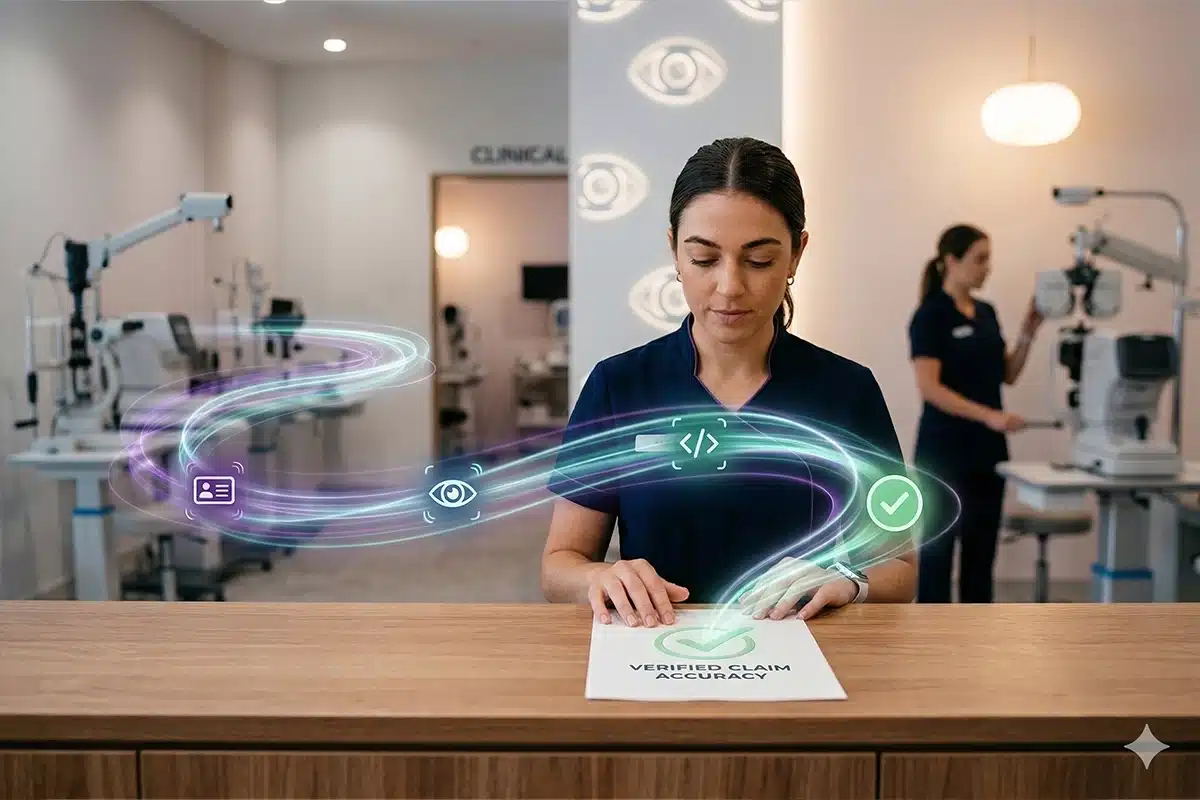
Billing issues tend to build over time. A missed detail at check-in, information that does not carry through, or small inconsistencies in how data is entered may not seem significant on their own. But together, they lead to claim delays, missed reimbursements, and extra work for your team.
In many practices, the challenge comes down to disconnected systems. When intake, clinical, and billing workflows do not line up, it becomes harder to keep everything consistent. That is why many practices turn to optical billing software to tighten up the process.
With Eye Cloud Pro, your workflows are seamlessly connected from patient intake to billing, ensuring your team works from the same complete, up-to-date information at every step. In this article, you will see how that connection improves claim accuracy, reduces errors, and supports a more consistent billing process.
Table of Contents
Why Do Billing Errors Happen in Optometry Practices?
Billing errors usually come from how information moves through your practice. Details are captured at check-in, updated during the exam, and used again when claims are created. If those steps are handled differently or disconnected, it becomes harder to keep everything accurate.
You might notice issues like:
- Incomplete or incorrect patient insurance information
- Front desk data collected inconsistently
- Clinical notes that do not fully match billing codes
- Re-entering the same information across systems
- Different team members following different processes
These gaps are easy to miss in the moment. But as information moves forward, they start to affect how claims are built, making errors more likely.
How Does Optical Billing Software Improve Claim Accuracy and Reduce Errors?
Accuracy depends on how clearly information has been captured, carried through, and connected along the way. Optical billing software supports this by keeping processes aligned, so your team is always working from accurate, up-to-date information when it matters most.
Here’s where it makes a difference:
1. Improve Data Accuracy at Intake
Accurate claims start with how information is captured. Structured patient data collection keeps details consistent, while insurance verification before the visit helps catch missing or incorrect information early, before it reaches billing.
2. Align Clinical Documentation with Billing
When documentation and billing are aligned, claims are easier to support. Clinical notes reflect what was done, and billing codes match that documentation, reducing discrepancies that often lead to denials.
3. Reduce Manual Data Entry
Every manual step creates room for error. When your team has to enter the same information more than once, small inconsistencies can start to carry through to the claim.
Reducing manual entry helps keep information intact as it moves through your workflow and cuts down on avoidable rework. In practice, that looks like:
- Limiting duplicate entries across systems
- Keeping information consistent from intake through billing
- Lowering the risk of simple data entry mistakes
4. Standardize Billing Workflows
Consistency across your team matters. A structured process helps ensure claims are handled the same way every time, reducing variation between staff and making accuracy easier to maintain as volume increases.
5. Increase Visibility into Claims
Clear visibility helps your team stay ahead of issues. When it is easier to see where claims stand, problems are easier to catch before they turn into delays or denials.
It also gives you a better sense of how your billing process is performing overall. With that visibility, your team can:
- Track claim status more easily
- Identify and address issues earlier
- Maintain a clearer view of billing activity
Why Is It Important for Billing to Be Connected to Other Practice Workflows?
Even when your billing process is solid, things can still slip if your systems are not connected. When billing sits separate from the front desk and clinical side, it becomes harder to keep everything aligned.
You start to feel it in small ways:
- Entering the same information more than once
- Patient or insurance details not matching up
- Team members having to double-check or clarify information
It may not seem like much at first, but those gaps tend to show up later when claims are being built. Keeping everything connected helps prevent that. When it is, you’ll see:
- Patient information moves from intake straight into billing
- Clinical documentation supports the claim without extra steps
- Your billing team is working from information that is already up to date
With an all-in-one optical software platform, your front desk, clinical, and billing workflows stay connected in one place. Instead of passing information between systems, your team is working from the same source all the way through. That consistency helps keep claims accurate, even as your workload increases.
Improve Claim Accuracy and Reduce Errors with Eye Cloud Pro
Billing issues are rarely random. They usually come from gaps in how your workflows are set up and how information moves through your practice.
Optical billing software helps address those gaps by reducing manual steps and keeping your process consistent from intake through billing. When everything is connected, it becomes easier to build cleaner claims and keep your billing process on track.
With Eye Cloud Pro, your front desk, clinical, and billing workflows stay aligned in one system, giving you:
- A consistent flow of patient, clinical, and billing information
- Fewer data gaps between intake, exam, and claim creation
- Better visibility into how your billing process is performing
If you are spending more time correcting claims than you should, it may be time to take a closer look at how your workflows are connected.
Explore this guide: How to Improve Efficiency In Your Optometry Office to see where you can tighten your process and improve claim accuracy.
Frequently Asked Questions
What is optical billing software?
Optical billing software helps you manage claims, coding, and reimbursements within your practice. When it is integrated, it connects billing with your clinical and front desk workflows so claims are built from complete, consistent information.
How does optical billing software reduce errors?
It reduces errors by limiting manual data entry and keeping information consistent as it moves through your workflow. This helps ensure claims are accurate before they are submitted, so fewer issues need to be corrected later.
Why is it important to connect billing with other workflows?
When billing is connected to your full workflow, information flows directly from intake and clinical documentation into the claim. This keeps everything aligned and helps reduce gaps that can lead to errors.